Integrating Watercolor Dirty Brush Assets into Professional Design Workflows
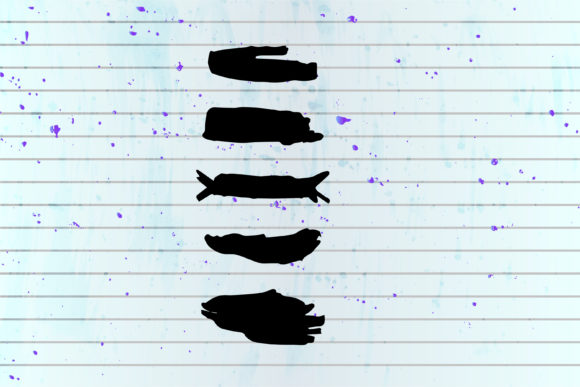
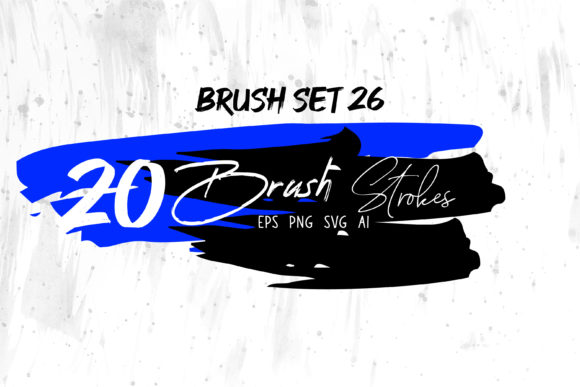
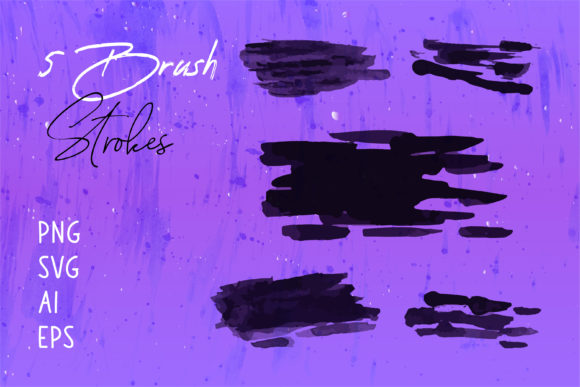
In the fast-paced environment of modern digital design, efficiency often dictates the quality of the final output. Professionals ranging from graphic designers and marketers to small business owners and educators constantly seek assets that bridge the gap between organic artistry and digital precision. The Watercolor Dirty Brush collection represents a strategic resource in this regard. Unlike standard, clean vector shapes, these assets capture the unpredictable texture, bleeding edges, and granular depth of traditional media. However, their true value lies not just in their aesthetic appeal, but in how seamlessly they integrate into a broader creative workflow when provided in versatile formats like PNG, SVG, AI, and EPS.
Understanding the Asset Versatility
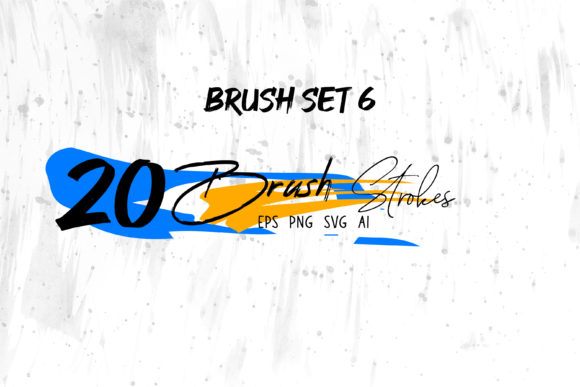
When incorporating textured elements into a project, the format of the file determines the flexibility of its application. A comprehensive Watercolor Dirty Brush pack typically includes Brush Strokes.ai files alongside raster and other vector formats. This multi-format approach is critical for professionals who operate across different software ecosystems.
The inclusion of AI and EPS files ensures that the brush strokes remain fully editable within Adobe Illustrator. This is essential for tasks requiring scalability, such as logo design or large-format packaging, where resolution independence is non-negotiable. Conversely, PNG files with transparent backgrounds offer immediate usability in Adobe Photoshop, MS Word, or MS PowerPoint. This compatibility allows users to drag and drop high-quality textures into presentations, documents, or social media banners without needing complex masking or layering techniques. By having access to SVG files, web developers and UI designers can also implement these textures directly into code, ensuring crisp rendering on various screen densities.
Strategic Implementation in the Creative Process
Integrating these brush strokes effectively requires understanding where they fit within the lifecycle of a project. They are not merely decorative afterthoughts; they can serve functional roles during the planning, execution, and refinement stages of design.
Pre-Production and Conceptualization
During the initial brainstorming phase, Watercolor Dirty Brush elements can act as rapid prototyping tools. For illustrators and concept artists, using pre-made brush strokes in Adobe Illustrator allows for the quick construction of mood boards and style frames. Instead of spending hours painting custom textures from scratch, a designer can assemble a visual direction in minutes. This accelerates the decision-making process, allowing stakeholders to approve a "dirty," organic aesthetic before significant time is invested in detailed illustration. For educators creating lesson plans or workshop materials, these assets provide an immediate way to make slides look hand-crafted and engaging, fostering a more approachable learning atmosphere.
Execution and Layering Techniques
In the production phase, the utility of these brushes expands. When designing a Book Cover or Packaging, the challenge often lies in making digital prints feel tactile. By layering Brush Strokes.ai vectors over solid color blocks or typography, designers can introduce depth and imperfection that mimics physical paint. The "dirty" nature of the brush—characterized by dry edges and uneven pigment distribution—adds a layer of sophistication that clean digital gradients cannot achieve.
For T-shirt designs and apparel branding, these assets are particularly valuable. The texture helps the design blend with the fabric's weave, preventing the graphic from looking like a stiff, plastic sticker. When working in Adobe Photoshop, users can utilize the PNG versions as clipping masks or overlay layers, adjusting blending modes like "Multiply" or "Overlay" to interact dynamically with underlying images. This interaction creates a cohesive look where the graphic appears to be part of the substrate rather than sitting on top of it.
Post-Production and Consistency
Maintaining brand consistency across various mediums is a common hurdle for entrepreneurs and marketers. A Watercolor Dirty Brush set can serve as a recurring visual motif across a company's identity system. By using the same specific stroke styles in a Logo, Social Media Banner, and email newsletter headers, a brand establishes a recognizable artistic signature. Because the files are available in multiple formats, the marketing team can ensure that the texture looks consistent whether it is being used in a high-resolution print ad (using EPS/AI) or a low-resolution web banner (using PNG/SVG). This eliminates the risk of pixelation or loss of detail when assets are transferred between departments or external vendors.
Workflow Optimization Across Platforms
The practicality of these assets shines when considering the diverse software environments professionals navigate daily. A streamlined workflow minimizes friction between tools.
- Adobe Illustrator: Use the native .ai and .eps files to create scalable master assets. Here, you can recolor strokes instantly to match brand palettes without losing texture fidelity.
- Adobe Photoshop: Import PNG files for compositing. These are ideal for photo manipulations where the brush stroke needs to interact with lighting and shadows in a realistic scene.
- Adobe InDesign: Place vector or high-res PNG strokes directly into layout files for Book Covers, brochures, and magazines. The transparency ensures clean integration with text and other graphical elements.
- MS Word & PowerPoint: For corporate communicators and teachers, the PNG format allows for easy insertion into documents and slides. This elevates standard business communications, making reports and presentations visually distinct without requiring advanced design skills.
- Web & Digital: SVG files offer the smallest file size with perfect scaling, making them optimal for website backgrounds, icons, or interactive elements where load speed and clarity are paramount.
Quality Control and Organization
To maximize the longevity and utility of a Watercolor Dirty Brush collection, proper organization is key. Professionals should categorize these assets based on stroke weight, texture density, and color variation. Creating a local library or utilizing asset management plugins within Adobe Creative Cloud can significantly reduce search time during tight deadlines.
Furthermore, understanding the limitations of each format prevents quality issues. While PNGs are convenient, they are resolution-dependent. For large-scale printing, always revert to the AI or EPS source files to ensure sharp edges. Conversely, do not force vector files into raster-heavy workflows if the complexity of the anchor points slows down software performance; in such cases, rasterizing the stroke at the required resolution beforehand is a prudent step.
Expanding Applications Beyond Traditional Design
The application of these brush strokes extends beyond conventional graphic design. Digital Scrapbooks and personal craft projects benefit immensely from the authentic feel of dirty brushes, allowing hobbyists to create memory books that emulate traditional paper crafting. Freelancers offering services on digital marketplaces can use these elements to create unique product mockups or promotional materials that stand out in crowded feeds.
For content creators and bloggers, these graphics provide a way to break up text-heavy articles with visually interesting dividers or background accents. The organic nature of the watercolor style humanizes digital content, making it feel more personal and less corporate. This is particularly effective for lifestyle brands, wellness coaches, and artisanal product sellers who rely on an aesthetic of authenticity and hand-made quality.
Conclusion: A Strategic Design Investment
Ultimately, the Watercolor Dirty Brush collection is more than a set of images; it is a workflow accelerator. By providing files in PNG, SVG, AI, and EPS formats, it removes technical barriers, allowing creators to focus on the artistic outcome rather than file conversion struggles. Whether used to add subtle texture to a corporate presentation, define the edge of a logo, or create a full-scale illustration, these assets offer the perfect balance of control and chaos. Integrating them into your regular toolkit ensures that your output remains dynamic, professional, and visually compelling across all mediums.